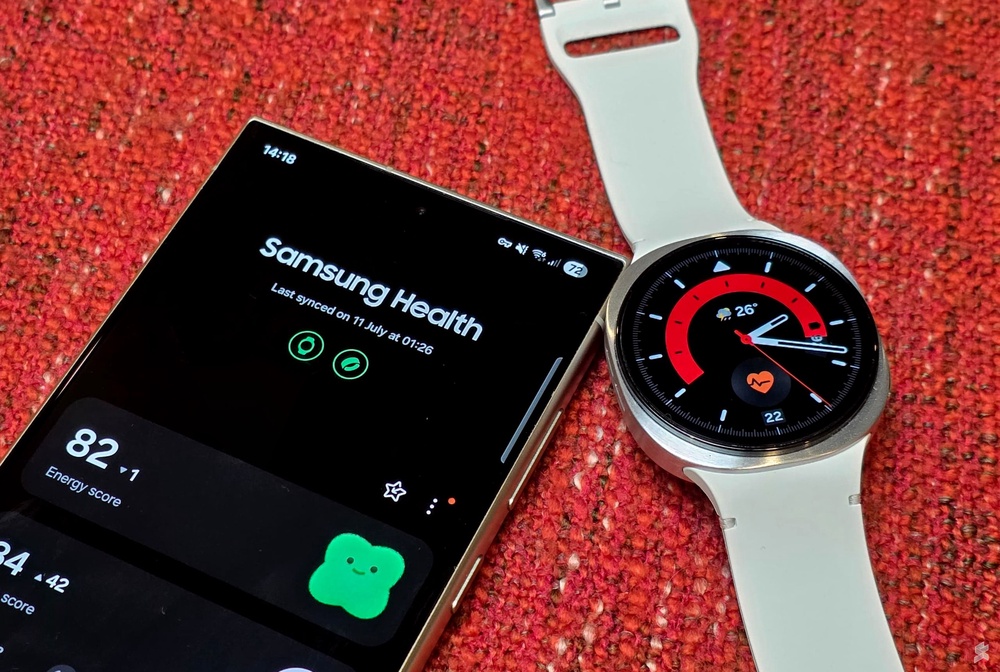
Are you curious about how well your Gear S2 can keep track of your sleep? Understanding your sleep patterns is key to feeling refreshed and staying healthy.
But does the Gear S2 really help you monitor your rest? If you want clear answers and practical insights about its sleep tracking features, keep reading. This guide will help you discover what your Gear S2 can do for your sleep—and how to make the most of it.
Gear S2 Sleep Tracking Features
The Gear S2 offers various sleep tracking features to monitor your rest. It helps you understand your sleep patterns. The data collected aims to improve your sleep quality.
This smartwatch tracks different aspects of your sleep using built-in sensors. It records specific types of sleep data. It also provides different tracking modes to suit your needs.
Sensors Used For Sleep Detection
The Gear S2 uses multiple sensors to detect sleep. An accelerometer tracks your movements during the night. It can tell when you are restless or still.
A heart rate sensor measures your pulse. Changes in heart rate help identify sleep stages. These sensors work together to provide accurate sleep data.
Types Of Sleep Data Recorded
- Total sleep time
- Time spent in light, deep, and REM sleep
- Number of times you wake up
- Sleep quality score
This data helps you see how well you sleep each night. It also shows patterns that might affect your rest.
Sleep Tracking Modes
- Automatic mode: Tracks sleep without manual input
- Manual mode: Start and stop tracking yourself
The automatic mode detects sleep based on your movements and heart rate. Manual mode gives you control over when to track.
Accuracy Of Gear S2 Sleep Tracking
The accuracy of Gear S2 sleep tracking is a key concern for anyone relying on wearable tech to monitor their rest. Understanding how well it measures your sleep patterns can help you decide if it’s worth wearing every night. Let’s break down how the Gear S2 stacks up against other devices, what real users say, and what scientific research reveals.
Comparison With Other Devices
Compared to newer smartwatches, the Gear S2’s sleep tracking is basic but functional. It mainly tracks total sleep duration and light versus deep sleep phases, lacking the advanced sensors found in modern models. However, it still provides a decent overview, especially if you’re just starting to track your sleep.
Other devices, like Fitbit or Apple Watch, offer more detailed metrics such as REM sleep and heart rate variability. These extra insights can give a clearer picture of sleep quality. But if you value simplicity and battery life, the Gear S2 performs well without frequent charging.
User Reviews And Feedback
Many users appreciate the Gear S2 for its ease of use and comfort during sleep. Some report that the sleep duration it records closely matches their own estimates or sleep diaries. On the downside, a few users mention occasional inaccuracies in detecting when they actually fall asleep or wake up.
One user shared, “It sometimes thinks I’m awake when I’m just lying still.” This highlights a common limitation in wrist-based tracking—movement doesn’t always equal wakefulness. Still, most users find the data useful enough to notice trends in their sleep habits.
Scientific Studies On Accuracy
Research on wrist-worn devices like the Gear S2 shows they are generally good at measuring total sleep time but less reliable in identifying sleep stages. Studies find that these devices often confuse quiet wakefulness with light sleep, which can skew results.
While polysomnography (the clinical gold standard) provides detailed sleep analysis, the Gear S2 offers a practical alternative for everyday use. The trade-off is between clinical accuracy and convenience—what matters more to you?
Have you noticed if your Gear S2 sleep data matches how rested you feel? Sometimes, subjective experience tells you more than numbers do.
Factors Affecting Sleep Tracking Performance
Several factors influence how well the Gear S2 tracks your sleep. Understanding these can help you get more accurate data and improve your overall sleep analysis. Let’s look at key elements that affect the sleep tracking performance of the Gear S2.
Wearing Position And Fit
The position of your Gear S2 on your wrist plays a crucial role in sleep tracking accuracy. Wearing it too loosely can cause sensors to lose contact with your skin, leading to inconsistent readings.
On the other hand, if it’s too tight, it might be uncomfortable and disrupt your sleep. Try to find a snug but comfortable fit just above your wrist bone. You might notice better tracking results when you adjust the watch slightly each night to find the sweet spot.
Battery Life And Sensor Limitations
Battery life impacts continuous sleep monitoring since the Gear S2 needs enough power to track throughout the night. If your battery runs low, the device might stop recording halfway, resulting in incomplete data.
The sensors themselves have limits too. The Gear S2 primarily uses motion and heart rate data, which can miss subtle sleep stages compared to devices with advanced sensors. Are you comfortable relying on these basic measurements, or do you need more detailed insights?
Software Updates And Calibration
Regular software updates can improve how well your Gear S2 tracks sleep. Updates often fix bugs, enhance algorithms, and add new features to refine accuracy.
Calibration is also important. Syncing your device with the Samsung Health app and occasionally restarting it can help reset sensors and improve performance. Have you checked if your Gear S2’s software is up to date recently?

Credit: www.sheppnews.com.au
How To Improve Sleep Tracking Results
The Samsung Gear S2 offers sleep tracking features that help monitor sleep patterns. To get the most accurate results, certain steps can enhance its performance. This section provides practical tips to improve the sleep tracking capabilities of the Gear S2.
Proper Device Placement
The placement of your Gear S2 can affect sleep tracking accuracy. Wear the device snugly on your wrist. Ensure the sensor is in contact with your skin. Avoid wearing it too loose or too tight. This ensures accurate detection of movements during sleep. A comfortable fit is essential for better results.
Using Sleep Tracking Apps
Enhance the Gear S2’s capabilities with sleep tracking apps. These apps offer additional features like detailed sleep analysis. They can provide insights into sleep stages and patterns. Look for apps that are compatible with the Gear S2. Reading reviews can help you choose the best option. Regularly update the app for the latest features.
Optimizing Device Settings
Adjusting the Gear S2 settings can improve tracking accuracy. Ensure the device’s software is up to date. Enable sleep tracking features in the device settings. Check the battery level before sleep. A fully charged device tracks better throughout the night. Review and adjust settings to suit your preferences.
Interpreting Your Sleep Data
Interpreting the sleep data collected by your Gear S2 can give you valuable insights into how well you rest each night. Simply seeing numbers and graphs isn’t enough; understanding what they mean is key to improving your sleep habits. Let’s break down how to read this data effectively and what it reveals about your sleep health.
Understanding Sleep Stages
Your Gear S2 tracks different sleep stages: light, deep, and REM sleep. Each stage plays a unique role in how rested you feel the next day.
- Light Sleep:This is the transition phase and the longest part of your sleep cycle. It helps your body relax but doesn’t fully recharge your brain.
- Deep Sleep:The most restorative stage. Your body repairs muscles, strengthens the immune system, and consolidates memories here.
- REM Sleep:Vital for mental health and dreaming. It supports emotional regulation and cognitive function.
Look at how much time you spend in each stage. Are you getting enough deep and REM sleep? If not, you might wake up feeling tired despite enough hours in bed.
Identifying Sleep Patterns
Tracking your sleep over days or weeks can reveal patterns that affect your energy and mood. Does your sleep quality dip on weekends? Do you wake up frequently during the night?
Your Gear S2 helps you spot:
- Consistent bedtimes and wake-up times
- Interruptions during sleep
- Variations in total sleep duration
Understanding these patterns lets you adjust your routine. For example, if you notice restless nights after late dinners, you can experiment with earlier meals. What small change might improve your sleep pattern?
Recognizing Potential Sleep Issues
Sometimes, the data signals problems beyond simple tiredness. Frequent awakenings or very short deep sleep phases could indicate issues like insomnia or sleep apnea.
If your Gear S2 shows unusually low sleep quality over several nights, consider these questions:
- Are you feeling excessively sleepy during the day?
- Do you snore loudly or experience breathing pauses?
- Is stress or anxiety keeping you awake?
These signs suggest it might be time to consult a healthcare professional. Using your sleep data as a conversation starter can lead to better diagnosis and treatment.

Credit: newatlas.com
Alternatives To Gear S2 For Sleep Tracking
If you’re looking beyond the Gear S2 for sleep tracking, several options can offer more detailed insights and better accuracy. Different devices suit different needs, whether you want something simple, advanced, or non-wearable. Exploring alternatives can help you find the perfect match for your sleep habits and tech preferences.
Other Samsung Devices
Samsung has improved sleep tracking in newer models like the Galaxy Watch 4 and Galaxy Watch 5. These devices offer more precise data by using advanced sensors and better software algorithms. If you prefer staying within the Samsung ecosystem, upgrading to these models can provide a noticeable difference in sleep monitoring.
Additionally, Samsung Health app updates often enhance sleep insights, even for older devices. So, pairing your Samsung device with the latest app version might improve your sleep tracking experience without needing new hardware.
Popular Sleep Trackers On The Market
Outside Samsung, devices like Fitbit Charge 5, Oura Ring, and Whoop Strap 4.0 are popular for their detailed sleep analysis. Fitbit offers user-friendly graphs and sleep stage tracking, while Oura Ring focuses on readiness and recovery alongside sleep quality. Whoop is tailored for athletes, delivering deep insights but requiring a subscription.
Choosing the right tracker depends on what sleep info matters most to you. Do you want to know your sleep stages, heart rate variability, or breathing patterns? Identifying your priorities helps narrow down the best device for your needs.
Wearables Vs. Non-wearable Sleep Monitors
Wearables like smartwatches and rings are convenient since you carry them everywhere, but some people find them uncomfortable to wear at night. Non-wearable options such as the Withings Sleep Mat or ResMed S+ monitor your sleep without physical contact, using sensors placed under your mattress or near your bed.
Non-wearables often provide accurate data on sleep cycles and breathing without the hassle of charging or wearing a device. However, they lack the versatility of wearables, which also track daily activity and workouts. What matters more to you: comfort during sleep or all-day tracking?

Credit: newatlas.com
Frequently Asked Questions
Does Gear S2 Have Built-in Sleep Tracking?
Yes, the Gear S2 includes built-in sleep tracking. It monitors your sleep duration and quality automatically while you rest.
How Accurate Is Gear S2 Sleep Tracking?
The Gear S2 provides fairly accurate sleep data using motion sensors. However, it may not be as precise as dedicated sleep trackers.
Can Gear S2 Track Sleep Stages?
Gear S2 tracks basic sleep stages like light and deep sleep. It does not provide detailed REM sleep analysis.
How Do I View Sleep Data On Gear S2?
You can view sleep data on the Samsung Health app synced with Gear S2. It shows sleep patterns and trends over time.
Conclusion
The Gear S2 offers basic sleep tracking features. It records sleep duration and light versus deep sleep. The data helps you understand your sleep patterns. It may not be as detailed as newer models. Still, it works well for simple tracking needs.
Pair it with Samsung’s health app for better insights. Overall, the Gear S2 can support your sleep awareness. A helpful tool for those wanting to track rest easily.

