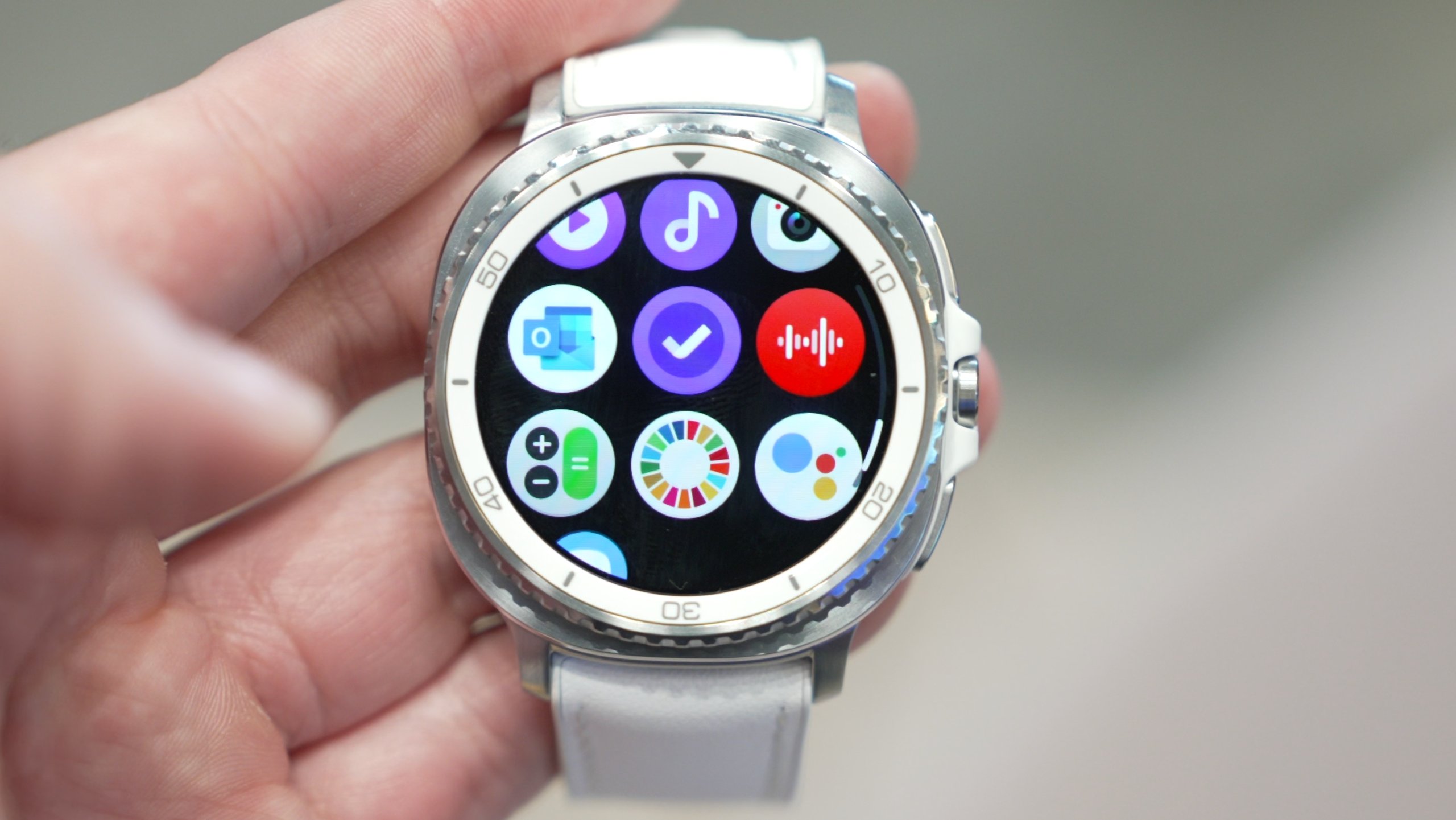
Are you curious about how your Samsung Gear S3 can help you understand your sleep better? Knowing how well you sleep is key to feeling energized and staying healthy.
Your Gear S3 doesn’t just tell time—it quietly tracks your sleep patterns while you rest. Imagine waking up with clear insights about your night’s sleep, helping you make smarter choices for your health. Keep reading to discover exactly how the Samsung Gear S3 tracks your sleep and why it could be the game-changer in your daily routine.
Samsung Gear S3 Sleep Tracking Features
The Samsung Gear S3 offers a range of sleep tracking features designed to help you understand your sleep patterns better. Its technology works quietly in the background, collecting data while you rest, without interrupting your sleep. This allows you to wake up with clear insights about your sleep quality and duration.
Sensors Used For Sleep Monitoring
The Gear S3 uses multiple sensors to track your sleep accurately.
- Accelerometer:Detects your movement and activity levels during the night.
- Heart Rate Monitor:Measures your pulse to identify different sleep stages and stress levels.
- Gyroscope:Helps improve motion tracking by sensing orientation changes.
These sensors work together to build a detailed picture of your sleep without requiring extra devices. Have you noticed how even small movements can affect how rested you feel in the morning? The Gear S3 captures these nuances to fine-tune your sleep report.
Types Of Sleep Data Collected
The Gear S3 gathers various types of data to give you a comprehensive view of your sleep.
- Sleep Duration:Total hours spent asleep, including wake periods.
- Sleep Stages:Time spent in light, deep, and REM sleep phases.
- Sleep Quality:Assessment based on movement and heart rate variability.
- Awakenings:Number and length of times you wake up during the night.
Knowing these details can help you spot patterns, such as waking up too often or not getting enough deep sleep. Have you ever wondered why you sometimes wake up feeling tired even after a full night of sleep? This data could hold the answer.
Setting Up Sleep Tracking On Gear S3
Setting up sleep tracking on your Samsung Gear S3 is straightforward and lets you monitor your rest effortlessly. With just a few tweaks, your watch will gather detailed sleep data to help you understand your patterns better. Let’s walk through how you can get sleep tracking ready on your Gear S3.
Enabling Sleep Mode
Start by activating Sleep Mode on your Gear S3 to allow it to track your sleep automatically. You can do this directly from the watch settings or through the Samsung Health app on your phone.
- On the watch, swipe down to access the quick settings panel.
- Look for the Sleep Mode icon—usually a crescent moon—and tap to enable it.
- If you prefer, open Samsung Health on your phone, navigate to the Sleep section, and turn on automatic sleep tracking.
Once enabled, the watch will detect when you fall asleep and wake up without any manual input. Have you noticed how much easier it is to track your sleep when the watch does the work for you?
Customizing Sleep Settings
After enabling Sleep Mode, take a moment to adjust the settings to fit your personal routine. Custom settings help improve accuracy and make the data more relevant to you.
- Set your usual bedtime and wake-up time to help the watch recognize your sleep window.
- Enable or disable sleep tracking notifications based on your preference.
- Choose whether you want the watch to track naps or only your main sleep period.
These tweaks can make a big difference in how well the Gear S3 understands your sleep. Have you ever wondered if your sleep tracker can really tell the difference between deep sleep and just resting with your eyes closed? Fine-tuning these options helps get you closer to the truth.
How Gear S3 Monitors Sleep Patterns
The Samsung Gear S3 offers a smart way to track sleep patterns. It uses advanced sensors to monitor how you rest each night. Understanding your sleep helps improve overall health and daily energy.
Detecting Sleep Stages
The Gear S3 recognizes different sleep stages automatically. It tracks light sleep, deep sleep, and REM phases. This helps you know how long you spend in each stage. The watch uses motion data and heart rate to identify these phases accurately.
Movement And Heart Rate Analysis
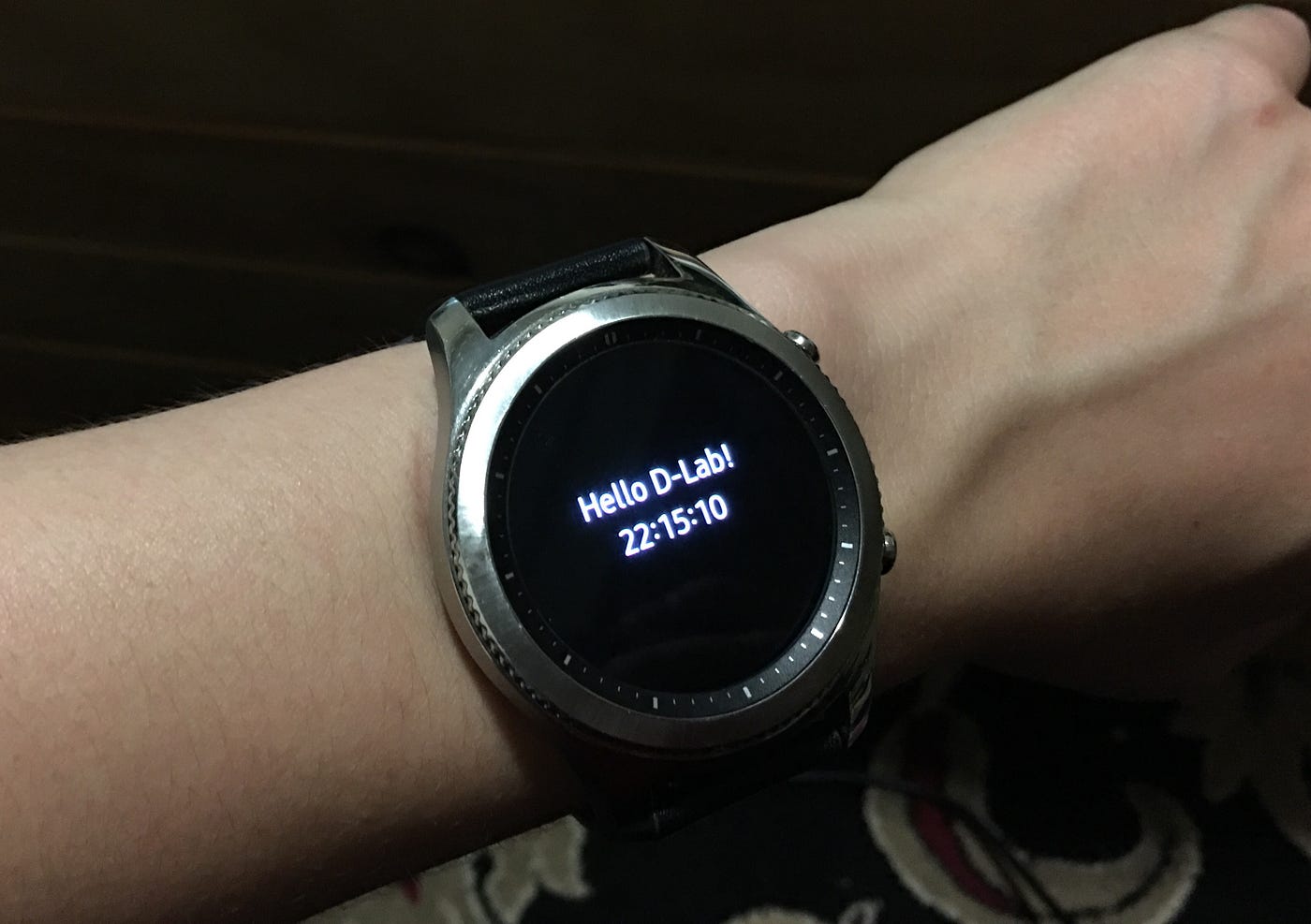
The Gear S3 tracks small movements during sleep to detect restlessness. It measures your heart rate continuously to observe changes. Lower heart rates usually mean deeper sleep. Increased movement or heart rate can signal waking or lighter sleep. These combined data points create a clear picture of your sleep quality.
Credit: www.on.com.py
Interpreting Sleep Data On The Device
Samsung Gear S3 tracks sleep by monitoring your movements and heart rate during the night. The device shows sleep stages and duration directly on the screen. This helps you understand your sleep patterns easily.
Interpreting Sleep Data on the Device Understanding how your Samsung Gear S3 tracks and interprets your sleep can transform how you view your nightly rest. By analyzing specific sleep patterns, this device provides insights that help you improve your sleep quality. Let’s dive into how you can make the most of this feature.Reading Sleep Reports
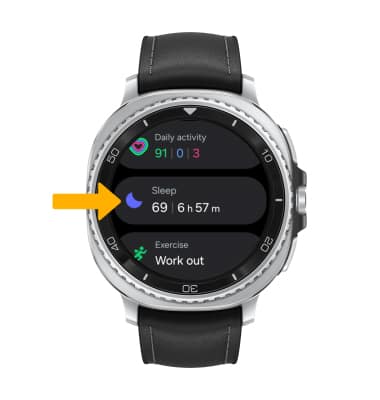
Once you wake up, your Samsung Gear S3 offers a detailed sleep report right at your fingertips. This report includes essential data such as the duration of your sleep, how much time you spent in deep sleep versus light sleep, and any periods you were awake. You might be surprised to see how often you wake up during the night, which you may not even remember. This data can help you identify disruptions that you can control, like reducing noise or adjusting your room temperature.Understanding Sleep Scores
The sleep score is a straightforward number that summarizes your overall sleep quality. A higher score means better quality sleep, while a lower score indicates areas for improvement. Do you ever wonder why you feel groggy despite getting eight hours of sleep? Your sleep score can illuminate the quality of those hours, highlighting the importance of uninterrupted, restorative sleep. Use your sleep score to set achievable goals, like aiming for a higher score by improving your bedtime routine or reducing screen time before bed. Your sleep score isn’t just a number; it’s a tool to help you enhance your well-being.Using Samsung Health App For Sleep Insights
The Samsung Health app works closely with the Gear S3 to provide detailed sleep insights. It collects and analyzes your sleep data automatically each night. The app shows your sleep patterns in an easy-to-read format. You can see how long you sleep, and the quality of your rest. This helps you understand your sleep better and make changes if needed.
Syncing Data With The App
After wearing your Gear S3 to bed, it records your sleep automatically. The watch tracks movements and heart rate to detect sleep stages. Once you wake up, the watch sends this data to the Samsung Health app. Syncing happens wirelessly and quickly. You can also sync manually by opening the app and tapping sync. This keeps your sleep records updated and ready to review anytime.
Tracking Long-term Sleep Trends
The Samsung Health app stores sleep data over days, weeks, and months. It creates charts and graphs to show your sleep patterns. You can see trends such as average sleep duration and how often you wake up. This long-term view helps spot problems like poor sleep quality or irregular schedules. Using these insights, you can adjust habits for better rest. The app also offers tips based on your sleep trends to support healthier sleep routines.
Credit: news.samsung.com
Tips For Accurate Sleep Tracking
Getting accurate sleep data from your Samsung Gear S3 can make a real difference in understanding your rest patterns. Small adjustments to how you wear the device and how you set it up can lead to much clearer insights. Paying attention to these details helps you trust the sleep tracking results more.
Wearing The Device Correctly
The way you wear your Gear S3 impacts the quality of the sleep data it collects. Make sure the watch fits snugly but comfortably around your wrist—too loose, and sensors might lose contact; too tight, and it could disrupt your sleep.
I once thought a loose fit was more comfortable, but noticed inconsistent tracking. After adjusting to a firmer fit, the readings became much more reliable. Try wearing it just above your wrist bone for the best sensor contact.
Optimizing Device Settings
Check that the sleep tracking feature is enabled in your Samsung Health app before going to bed. You can also customize settings like sensitivity and sleep goals to match your habits.
Turning off any unnecessary notifications at night can prevent interruptions that confuse the device’s sensors. Have you tried syncing your watch regularly? Keeping firmware up-to-date ensures the sensors and software work smoothly for accurate tracking.
Benefits Of Sleep Tracking With Gear S3
Sleep tracking with the Samsung Gear S3 offers clear benefits for anyone wanting better rest. The device gathers detailed data about your sleep patterns and stages. This information helps you understand how well you sleep each night. Using these insights, you can make small changes that improve your sleep health and overall wellness.
Improving Sleep Quality
The Gear S3 tracks light, deep, and REM sleep phases automatically. It measures how long you stay in each phase. This helps you see if you get enough deep sleep, which is very important. The watch also tracks your movements during the night. Less movement often means better sleep quality. You can use this data to adjust your bedtime habits. Simple changes like setting a regular sleep schedule become easier with clear feedback. Over time, this leads to more restful nights and better energy during the day.
Identifying Sleep Issues
The Gear S3 can spot unusual sleep patterns that might signal problems. It detects frequent waking or restless nights. These signs could point to issues like insomnia or sleep apnea. Knowing about these problems early lets you seek help sooner. The watch provides daily and weekly reports that highlight trends. You can share these reports with your doctor for better diagnosis. Early detection helps prevent long-term health problems linked to poor sleep. It also encourages healthier habits to improve your overall sleep health.
Credit: www.att.com
Frequently Asked Questions
How Does Samsung Gear S3 Monitor Sleep Patterns?
Samsung Gear S3 uses built-in sensors to detect movement and heart rate. It tracks your sleep stages, including deep, light, and REM sleep, providing detailed insights for better rest management.
Can Gear S3 Differentiate Between Sleep Stages?
Yes, Gear S3 analyzes motion and heart rate variability to distinguish between light, deep, and REM sleep. This helps users understand their sleep quality and cycles accurately.
How Accurate Is Samsung Gear S3’s Sleep Tracking?
Samsung Gear S3 provides reasonably accurate sleep data based on sensor readings. However, it may not be as precise as medical-grade devices but is reliable for everyday sleep monitoring.
Does Samsung Gear S3 Require A Connected Phone For Sleep Tracking?
No, the Gear S3 can track sleep independently using its internal sensors. However, syncing with the Samsung Health app on your phone provides detailed sleep reports and analysis.
Conclusion
The Samsung Gear S3 helps you track your sleep clearly. It monitors your sleep stages and movements each night. You get simple reports to understand your rest better. This helps you see patterns and improve sleep habits. Using this watch can support a healthier lifestyle.
Sleep tracking is easy and fits your daily routine. The Gear S3 offers useful insights without complexity. It’s a handy tool for better sleep awareness. Try it and notice how your sleep changes. Good sleep matters, and Gear S3 makes tracking simple.

