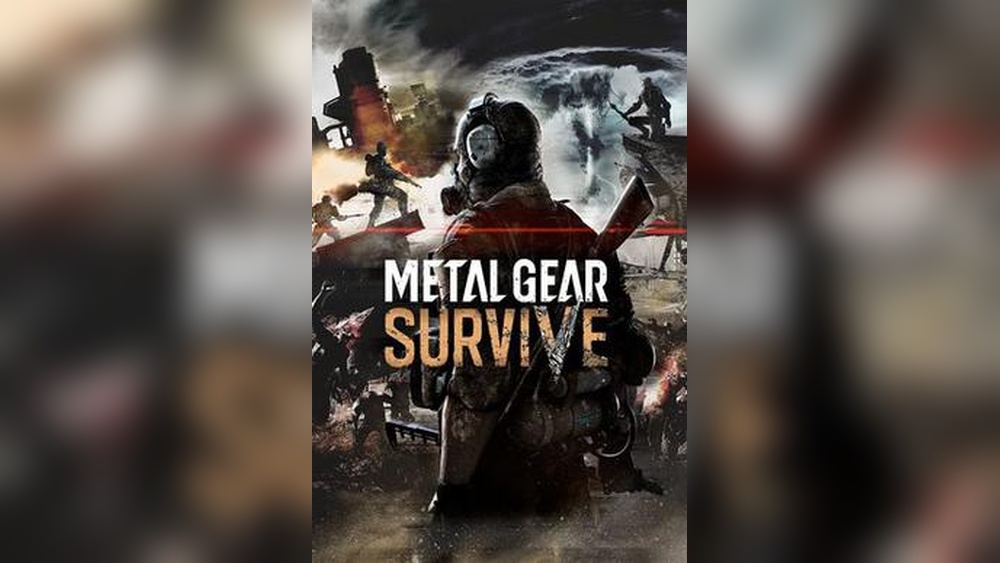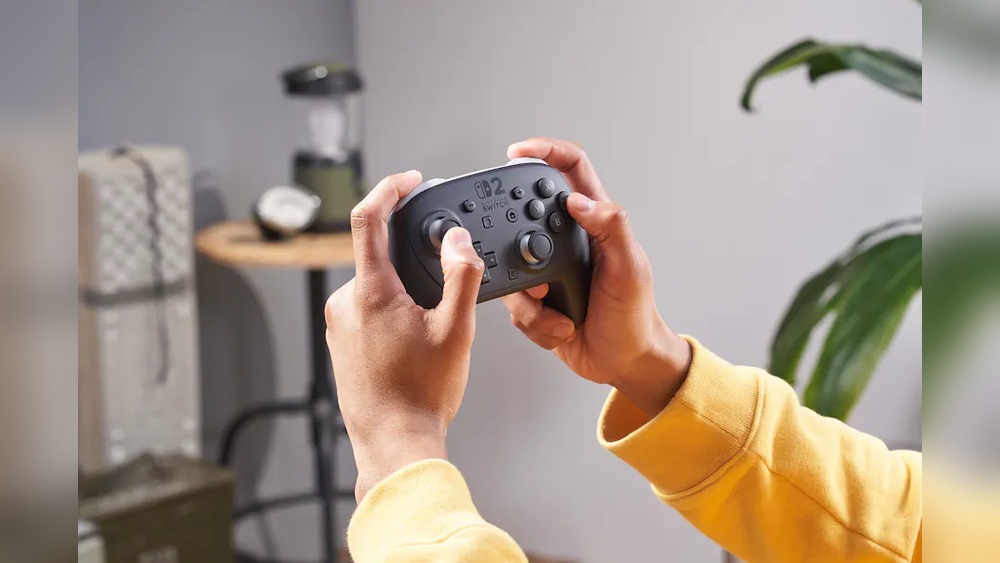
Are you wondering if you can play Metal Gear Survive on your PC using a controller? If you prefer the feel of a gamepad over a keyboard and mouse, this question is probably on your mind.
Using a controller can change how you experience the game, making it more comfortable and immersive. But does Metal Gear Survive support controllers on PC, and will it work smoothly? Keep reading to find out everything you need to know to get started with your favorite setup.
Controller Compatibility
Playing Metal Gear Survive on PC with a controller is possible and often preferred by many players. The game supports various controllers, making gameplay smoother and more comfortable. Understanding which controllers work best helps enhance your experience. This section covers controller compatibility and options for wired and wireless use.
Supported Controllers
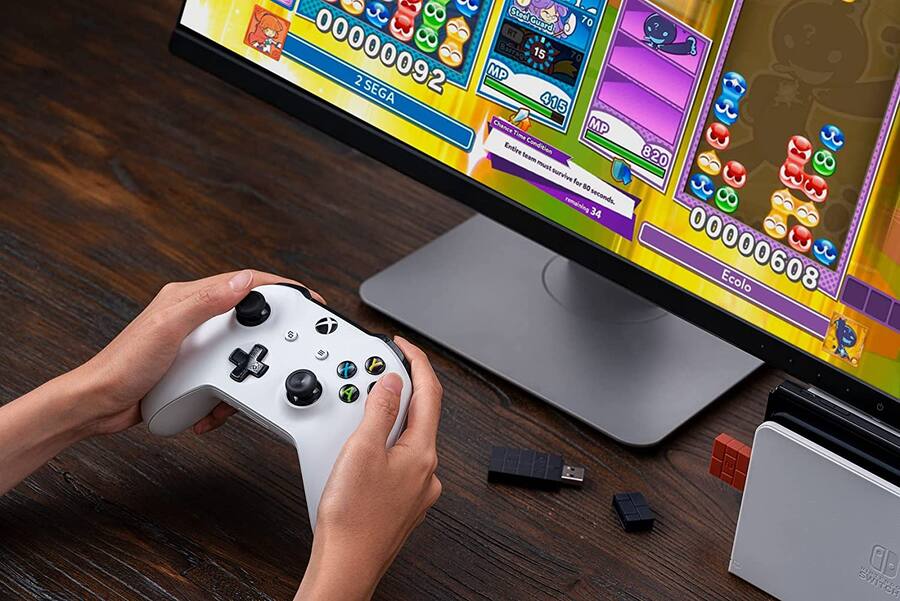
Metal Gear Survive supports popular controllers like Xbox and PlayStation models. Xbox One and Xbox Series X controllers work well on Windows PCs. PlayStation 4 and PlayStation 5 controllers also connect easily. Many generic controllers with XInput support function without extra setup. Steam’s controller support helps with various devices too. Check your controller’s compatibility before playing for the best experience.
Wired Vs Wireless Options
Wired controllers offer a stable and lag-free connection. They connect directly using USB cables, reducing input delays. Wireless controllers use Bluetooth or proprietary wireless receivers. Wireless gives more freedom of movement but may have slight input lag. Battery life is another factor for wireless use. Choose wired for reliability or wireless for comfort and mobility.
Setting Up Your Controller
Playing Metal Gear Survive on PC with a controller can improve your gaming comfort. Setting up your controller is simple and quick. This guide helps you connect and configure it properly. Follow these steps to enjoy smooth gameplay.
Connecting To Pc
First, connect your controller to the PC. Use a USB cable or Bluetooth for wireless controllers. Windows usually detects the controller automatically. Check if the controller lights turn on. If not, try a different USB port or restart your PC. For Bluetooth, make sure it is enabled on your PC. Pair the controller by holding the sync button. The PC should show a confirmation once connected.
Configuring Controls In Game
Launch Metal Gear Survive after connecting your controller. Go to the Settings menu and select Controls. Choose the controller option to enable it. Customize button mapping if needed for better comfort. Test the controls in the game’s tutorial or practice mode. Adjust sensitivity and dead zones for smoother movements. Save your settings before exiting the menu. This setup ensures your controller works well with the game.
Optimizing Gameplay With A Controller
Playing Metal Gear Survive on PC with a controller can enhance your experience. A controller offers smooth movement and easier aiming. To get the best results, you need to optimize your gameplay settings. Small changes can make big differences in comfort and performance.
Customizing Button Layouts
Customizing your button layout helps match the controller to your play style. You can swap buttons to make actions faster and easier. For example, move important commands to buttons you press often. This reduces hand strain and lets you react quicker. Many controllers allow full remapping inside the game settings. Take time to find the layout that feels natural.
Adjusting Sensitivity Settings
Adjusting sensitivity controls how fast your view moves with the controller. High sensitivity lets you turn quickly but can be less precise. Low sensitivity is slower but more accurate. Find a balance that fits your aiming style. Test different settings in safe areas of the game. Sensitivity changes improve targeting and overall control during play.
Credit: www.bestbuy.com
Troubleshooting Controller Issues
Playing Metal Gear Survive on PC with a controller can improve your gaming experience. Sometimes, the controller may not work as expected. Troubleshooting controller issues helps fix these problems quickly. This section covers common problems and driver updates.
Common Problems And Fixes
Controllers may not connect to the PC. Check the USB cable or Bluetooth connection. Restart the game and your PC to refresh the system. Sometimes, the controller buttons do not respond. Reconnect the controller or try another USB port. If the controller moves by itself, recalibrate it in Windows settings. Resetting the controller can also solve many problems.
Driver Updates And Software
Old drivers cause many controller issues. Go to the controller maker’s website for the latest drivers. Update Windows to ensure compatibility with the controller. Use software like Steam Big Picture Mode for better controller support. Some controllers need extra software to work properly. Keep all software updated to avoid conflicts during gameplay.
Comparing Controller And Keyboard
Choosing between a controller and keyboard for Metal Gear Survive on PC changes how you play. Both options offer unique ways to enjoy the game. The controller provides a smooth, relaxed feel. The keyboard gives precise control and quick access to commands.
Gameplay Experience Differences
Playing with a controller feels more like a console game. The joystick moves your character smoothly around the world. Buttons are easy to reach, making actions flow naturally. This setup suits players who prefer comfort and ease during long sessions.
The keyboard offers sharper control for aiming and quick reactions. You can press many keys at once. It helps with fast inventory management and complex commands. The mouse allows precise targeting, which is crucial in combat situations.
Advantages Of Using A Controller
A controller provides better comfort for long gaming hours. Its design reduces hand strain compared to a keyboard. Vibration feedback adds immersion, making the game feel alive. The analog sticks allow gradual movements and better camera control.
Controllers support easy access to combined button presses. This can speed up actions like dodging or switching weapons. Many players find controllers less tiring and more relaxing. The overall experience is smoother and less stressful.
Credit: www.eneba.com
Additional Tools And Software
Playing Metal Gear Survive on PC with a controller can be smooth and enjoyable. Sometimes, the default support may not fit your needs perfectly. Additional tools and software help you customize controls and improve gameplay. These tools make your controller work better with the game. They offer more control options and fix compatibility issues.
Third-party Mapping Programs
Third-party mapping programs let you change how your controller buttons work. You can assign keyboard keys or mouse actions to controller buttons. This is useful if the game does not recognize your controller well. Popular programs like JoyToKey and Xpadder help with this. They are easy to use and offer many customization options. These tools make your controller act like a keyboard or mouse. This way, you can play Metal Gear Survive without limits.
Enhancing Compatibility
Some controllers need extra software to work with PC games. Compatibility tools help fix this problem. They make sure your controller connects and works smoothly with Metal Gear Survive. Steam’s built-in controller support is one example. It supports many controllers and offers customization. Other tools like DS4Windows work well for PlayStation controllers. These programs improve game experience by reducing input lag. They also help fix button layout issues. Using compatibility software ensures your controller feels natural and responsive.
Credit: www.eneba.com
Frequently Asked Questions
Can You Play Metal Gear Survive Pc With A Controller?
Yes, Metal Gear Survive on PC supports controller gameplay. You can use Xbox and PlayStation controllers seamlessly. The game detects controllers automatically, allowing smooth gameplay without extra setup. Using a controller enhances comfort and control during exploration and combat.
Which Controllers Are Compatible With Metal Gear Survive Pc?
Metal Gear Survive supports Xbox One, Xbox Series X/S, and PlayStation 4 controllers on PC. Many generic USB controllers also work if recognized by Windows. Steam’s controller configuration feature can help map buttons for unsupported controllers, improving compatibility and gameplay experience.
Do You Need To Configure The Controller For Metal Gear Survive?
Usually, no configuration is needed as the game auto-detects controllers. However, you can customize button layouts through Steam’s Big Picture mode. Custom configurations help tailor controls to your preference, improving comfort and gameplay responsiveness in Metal Gear Survive.
Is Controller Gameplay Better Than Keyboard And Mouse?
Controller gameplay offers a more relaxed, console-like experience. Keyboard and mouse provide faster aiming and precision. Your choice depends on play style; controllers are ideal for casual play, while keyboard and mouse suit competitive or quick-response gamers.
Conclusion
Playing Metal Gear Survive on PC with a controller is possible and easy. The game supports many popular controllers. Just connect your controller before starting the game. It lets you enjoy a smoother and more comfortable play experience. Some players prefer controllers for better movement and aiming.
You can customize the controls to fit your style. Overall, using a controller can make the game more fun. Try it out and see what works best for you. Enjoy surviving the challenges with your preferred setup!