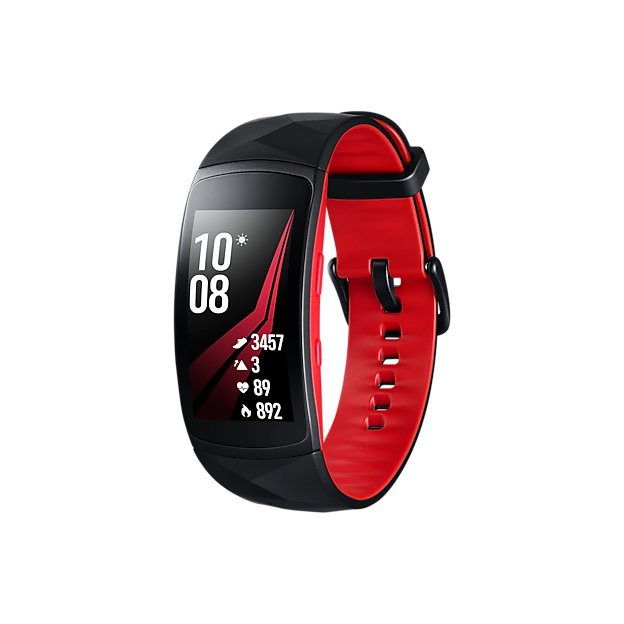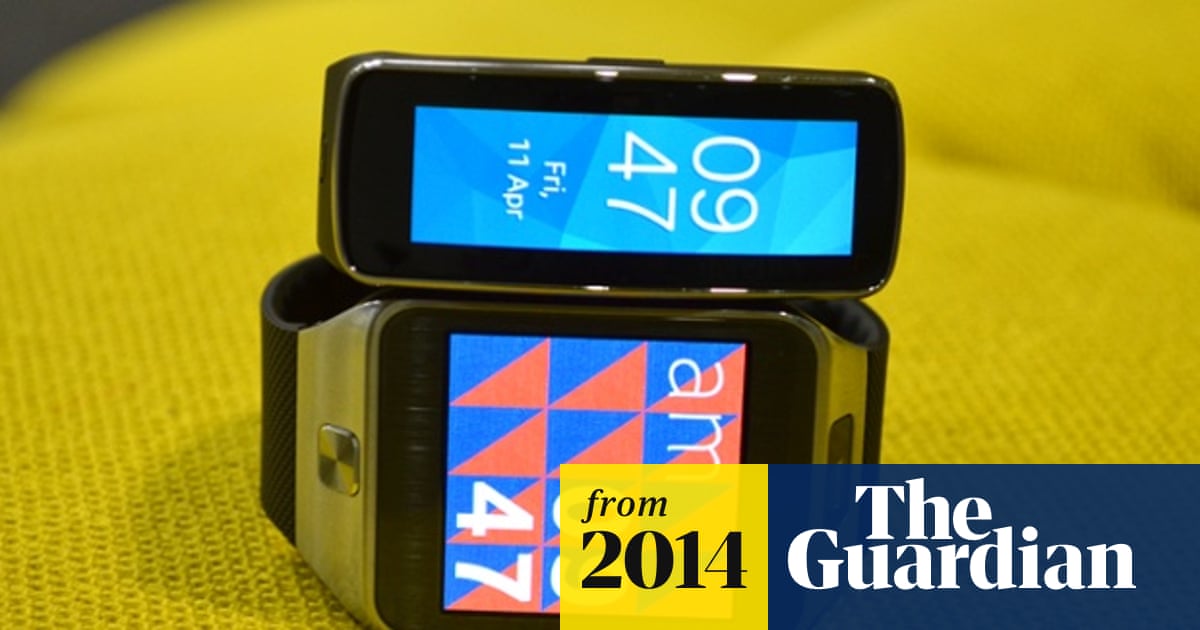
Are you curious if your Samsung Gear Fit 2 can track how well you sleep? Understanding your sleep patterns can make a big difference in your energy and health.
But does this popular fitness tracker really monitor your sleep accurately? If you want to know how your Gear Fit 2 handles sleep tracking and what it can tell you about your rest, keep reading. This guide will help you get the most out of your device and improve your nights for better days.
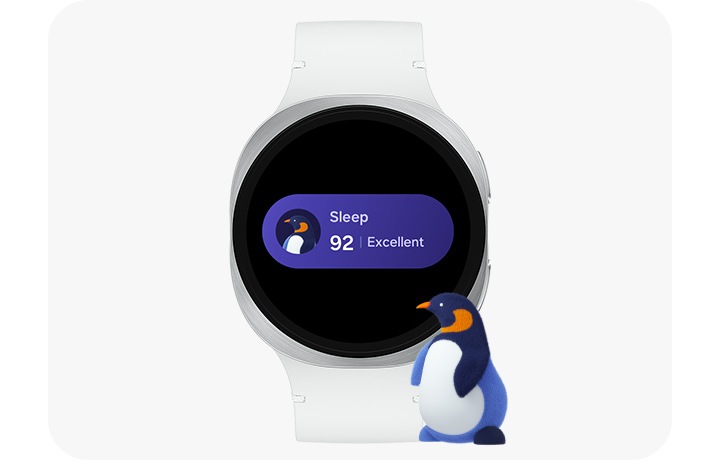
Credit: www.samsung.com
Samsung Gear Fit 2 Sleep Tracking Features
The Samsung Gear Fit 2 offers a range of sleep tracking features designed to help users understand their sleep patterns. It monitors sleep automatically, providing detailed insights each morning. The device collects data throughout the night using multiple sensors and presents it in a clear, easy-to-read format.
Sensors Used For Sleep Monitoring
The Gear Fit 2 uses several sensors to track sleep effectively. A heart rate sensor measures your pulse continuously. An accelerometer detects your movement and body position during sleep. Together, these sensors capture key signals that indicate different sleep stages.
Types Of Sleep Data Recorded
The device records various types of sleep data to give a full picture of your rest. It tracks:
- Total sleep duration
- Time spent in light sleep
- Time spent in deep sleep
- REM sleep phases
- Periods of wakefulness during the night
This data helps users see how well they sleep and identify patterns or disruptions.
Accuracy Compared To Other Devices
The Gear Fit 2 offers reliable sleep tracking for a fitness band. Its heart rate and motion sensors provide decent accuracy. Studies show it performs well compared to similar wearables but may not match clinical-grade devices. Small errors can occur in detecting sleep stages or wake times. Overall, it gives useful insights for everyday sleep monitoring.

Credit: newatlas.com
Setting Up Sleep Tracking On Gear Fit 2
Setting up sleep tracking on your Samsung Gear Fit 2 is straightforward, allowing you to gain valuable insights into your nightly rest. By properly configuring the device and syncing it with the Samsung Health app, you can track your sleep patterns with accuracy. Let’s dive into how to get your Gear Fit 2 ready to monitor your sleep effectively.
Configuring Sleep Mode
Start by accessing the Gear Fit 2’s settings menu and locate the Sleep Mode option. Activating Sleep Mode ensures the device monitors your movements and heart rate without interruptions. You can also set a specific sleep schedule, which helps the tracker know when to start and stop recording your sleep automatically.
Make sure your Gear Fit 2 fits comfortably on your wrist before bed. A snug fit improves sensor accuracy, especially for heart rate monitoring. Have you noticed how a loose fit can lead to inconsistent data?
Syncing With Samsung Health App
After enabling Sleep Mode, syncing your device with the Samsung Health app is crucial. This app collects and organizes your sleep data, giving you detailed reports. Open Samsung Health, tap on the sleep section, and ensure your Gear Fit 2 is connected via Bluetooth.
Regular syncing helps you spot trends in your sleep quality over time. If you miss syncing, data might not update correctly, which can be frustrating. How often do you check your sleep stats to adjust your habits?
Tips For Better Sleep Data
- Wear your Gear Fit 2 consistently every night for the most accurate tracking.
- Charge the device fully before bedtime to avoid interruptions during sleep monitoring.
- Keep your firmware updated to benefit from the latest sensor improvements.
- Avoid wearing the device too tight, as it can cause discomfort and affect data quality.
- Try to maintain a regular sleep schedule, so the tracker can adapt and improve its accuracy.
By applying these tips, you can trust the sleep data you receive and make informed decisions to improve your rest. How will you use these insights to change your nighttime routine?
Interpreting Sleep Data
Interpreting your sleep data from the Samsung Gear Fit 2 can turn raw numbers into meaningful insights. Understanding what your sleep tracker reports helps you make smarter choices for better rest. Let’s break down how to read and use this data effectively to improve your sleep habits.
Understanding Sleep Stages
Your Samsung Gear Fit 2 divides sleep into stages like light, deep, and REM sleep. Each stage plays a different role in how rested you feel. Light sleep helps your body recover, deep sleep supports muscle repair, and REM sleep is key for memory and mood.
Check how long you spend in each stage. If deep or REM sleep is consistently low, it might be time to adjust your bedtime routine. Have you noticed feeling tired even after a full night’s sleep? This could be why.
Tracking Sleep Duration And Quality
Duration is the total time you spend asleep. Quality reflects how uninterrupted and restful that sleep was. Gear Fit 2 tracks movements and heart rate to assess this.
Look for trends where your sleep duration meets recommended hours but quality is poor. This mismatch can point to issues like stress or an uncomfortable sleep environment. Are you getting enough hours but still waking up drained?
Identifying Sleep Patterns And Trends
Over weeks, your Gear Fit 2 collects data that reveals sleep patterns. You might spot consistent late bedtimes on weekends or frequent wake-ups during the night.
Use these insights to find habits that disrupt your rest. Maybe late-night screen time or caffeine affects your sleep more than you thought. What changes could you try this week to see if your sleep improves?

Credit: www.amazon.com
Benefits Of Using Gear Fit 2 For Sleep
The Samsung Gear Fit 2 offers valuable insights into sleep patterns. Understanding these patterns can lead to better sleep quality and overall health. This device provides users with the tools to monitor and improve their sleep routines.
Improving Sleep Habits
The Gear Fit 2 tracks your sleep cycles accurately. This helps identify periods of deep and light sleep. By recognizing these patterns, you can adjust your bedtime routine. Better sleep habits lead to increased energy and improved mood.
Monitoring Health And Wellness
Tracking sleep is crucial for overall wellness. The Gear Fit 2 offers detailed sleep analysis. It helps users understand how sleep affects their health. Consistent sleep monitoring can reveal trends affecting well-being.
Integrating With Daily Fitness Goals
Sleep is vital for fitness progress. The Gear Fit 2 syncs sleep data with fitness goals. This integration helps users balance rest and activity. Achieving fitness targets becomes easier with proper sleep management.
Limitations Of Gear Fit 2 Sleep Monitoring
The Samsung Gear Fit 2 offers sleep monitoring features that help track rest patterns. It detects sleep stages and duration using built-in sensors. Despite its usefulness, the Gear Fit 2 has some limits in sleep tracking accuracy and functionality. Understanding these limits helps set realistic expectations for users.
Common Issues And Inaccuracies
The Gear Fit 2 sometimes misinterprets sleep stages. It may confuse light sleep with awake periods. Movements like tossing and turning can cause false readings. It lacks the precision of medical-grade devices. This can lead to incorrect sleep data and analysis.
Battery Life Impact
Sleep tracking uses sensors continuously through the night. This constant use reduces the device’s battery quickly. Users often need to recharge the Gear Fit 2 more often. Heavy use of sleep tracking may affect daily wearability. Balancing battery life with tracking accuracy is a challenge.
Comparison With Dedicated Sleep Trackers
Dedicated sleep trackers use advanced sensors and algorithms. They provide more detailed and reliable sleep data. The Gear Fit 2 offers basic sleep tracking features only. It does not measure brain activity or breathing patterns. Dedicated devices give a clearer view of sleep quality.
Enhancing Sleep Tracking Experience
Enhancing the sleep tracking experience with the Samsung Gear Fit 2 is possible through several key factors. The device combines technology and software to provide accurate sleep data. Users can improve tracking by keeping the device updated and using compatible apps. Small actions make a big difference in how well the Gear Fit 2 monitors sleep patterns.
Firmware Updates And App Improvements
Samsung regularly releases firmware updates for the Gear Fit 2. These updates fix bugs and improve sleep tracking accuracy. The Samsung Health app also receives updates to enhance data analysis. Installing the latest versions ensures better performance and new features. Updates may improve battery life and sensor responsiveness during sleep.
Third-party Sleep Apps Compatibility
The Gear Fit 2 supports some third-party sleep tracking apps. These apps can offer more detailed insights and reports. Apps like Sleep as Android or Pillow work well with the device. They can detect sleep stages and snoring more precisely. Using third-party apps can expand the information available beyond Samsung Health.
User Tips For Optimal Performance
- Wear the Gear Fit 2 snugly but comfortably during sleep.
- Charge the device fully before bedtime to avoid interruptions.
- Activate sleep mode in the Samsung Health app.
- Sync data regularly with your smartphone for accurate records.
- Keep the device clean to maintain sensor accuracy.
Following these tips helps the Gear Fit 2 track sleep more reliably. Small habits improve the quality of sleep data and the overall experience.
Frequently Asked Questions
Can Samsung Gear Fit 2 Accurately Monitor Sleep?
Yes, Samsung Gear Fit 2 tracks sleep stages like light, deep, and REM. It uses built-in sensors to monitor movement and heart rate for accurate sleep analysis.
How Do I Enable Sleep Tracking On Gear Fit 2?
Open the Samsung Health app on your Gear Fit 2. Navigate to the sleep section and enable sleep tracking before bedtime. The device will automatically monitor your sleep.
Can Gear Fit 2 Track Sleep Quality?
Gear Fit 2 provides insights into sleep quality by analyzing duration and sleep stages. It highlights interruptions and restfulness to help improve your sleep habits.
Does Gear Fit 2 Require A Smartphone For Sleep Tracking?
No, Gear Fit 2 can monitor sleep independently using its sensors. Syncing with a smartphone app later helps review detailed sleep data and trends.
Conclusion
The Samsung Gear Fit 2 tracks sleep with good accuracy. It records your sleep stages and duration each night. This helps you understand your sleep patterns better. You can see how well you rest and when you wake up. The device gives clear, easy-to-read sleep data.
It supports healthier habits by showing when to improve sleep. Overall, the Gear Fit 2 is a useful tool for sleep monitoring. It fits well into daily life and fitness routines. Consider it if you want simple sleep tracking on your wrist.