
Are you curious if your Gear S3 can help you track your sleep? Understanding how well you sleep is key to improving your health and energy.
But does this popular smartwatch really measure your sleep accurately? If you want to know what your Gear S3 can tell you about your nights, keep reading. By the end, you’ll discover exactly how it works and whether it’s the right tool for your sleep goals.
Gear S3 Sleep Tracking Features
The Gear S3 offers several features to monitor sleep effectively. It tracks key sleep patterns and provides useful insights. Understanding these features helps users improve their sleep quality.
Sleep tracking is automatic and runs quietly in the background. It collects data throughout the night without disturbing rest. The watch uses smart technology to analyze sleep stages and duration.
Sensors Used For Sleep Monitoring
The Gear S3 uses multiple sensors to monitor sleep. An accelerometer detects movement and restlessness. The heart rate sensor measures pulse changes during sleep cycles. These sensors work together to gather accurate sleep data.
Sleep Stages Detected
This device identifies different sleep stages. It tracks light sleep, deep sleep, and REM (Rapid Eye Movement). Each stage has unique patterns, which the Gear S3 can recognize. The watch gives a detailed breakdown of time spent in each stage.
Tracking Duration And Data Collection
Sleep tracking starts automatically when you fall asleep. The Gear S3 records data through the whole night. It stores this information for daily review on the companion app. Users can view trends and changes over time to understand sleep habits better.
Accuracy Of Gear S3 Sleep Data
The accuracy of Gear S3 sleep data is a key concern for users. Sleep tracking helps understand rest quality and patterns. The Gear S3 uses sensors to monitor movement and heart rate. This data estimates sleep stages and duration. Accuracy affects how well users can trust these insights. Examining the precision of Gear S3 data clarifies its value for sleep monitoring.
Comparison With Medical-grade Devices
Medical-grade sleep devices use advanced sensors and brainwave monitoring. They track sleep stages with high precision. The Gear S3 lacks EEG sensors and relies on motion and heart rate only. Studies show the Gear S3 can estimate sleep duration fairly well. It struggles more with detecting exact sleep stages. It performs best in identifying light versus deep sleep.
User Reviews And Feedback
Many users find the Gear S3 sleep tracking useful for basic insights. Some report it correctly measures total sleep hours. Others mention occasional inaccuracies, like false wake-up times. Users appreciate easy-to-read sleep graphs and trends. Feedback suggests the data works as a general guide, not a medical tool. The convenience of wearable sleep tracking remains a strong point.
Factors Affecting Accuracy
- Wearing the watch too loosely can reduce sensor contact.
- Movement during sleep may cause false readings.
- Heart rate variability differs between people, impacting results.
- Environmental factors like noise or light do not affect Gear S3 data.
- Software updates can improve or change tracking accuracy.
Setting Up Sleep Tracking On Gear S3
Setting up sleep tracking on your Gear S3 can transform the way you understand your rest patterns. With its built-in features, the Gear S3 offers a seamless way to monitor your sleep. Whether you’re aiming to improve your nightly rest or simply curious about your sleep stages, the Gear S3 is equipped to provide valuable insights.
Enabling Sleep Mode
First, ensure your Gear S3 is updated to the latest software version. This guarantees that you have all the latest features and improvements.
Navigate to the settings menu on your Gear S3. Look for the ‘Sleep’ option and toggle it on. This activation allows the watch to start recording your sleep data automatically.
Remember to wear your watch snugly on your wrist while sleeping. A loose fit might lead to inaccurate readings.
Using Samsung Health App
Pair your Gear S3 with the Samsung Health app on your smartphone. This app acts as a bridge, collecting and displaying detailed sleep metrics.
Open the app and sync your device. You’ll find a dedicated section for sleep where you can review your sleep duration, quality, and stages.
Analyze your sleep trends over days or weeks. This helps identify patterns that affect your overall well-being.
Tips For Better Tracking
- Ensure your Gear S3 is fully charged before bed to prevent interruptions in tracking.
- Set a consistent bedtime routine. This regularity can help your device provide more reliable data.
- Avoid wearing the watch too tightly. It should be snug but comfortable to ensure accurate readings without causing discomfort.
By tailoring these settings and habits, you can make the most of your Gear S3’s sleep tracking capabilities. Are you ready to uncover the secrets of your sleep?

Credit: newatlas.com
Limitations And Challenges
While the Gear S3 offers some sleep tracking features, it’s important to understand its limitations and challenges. These factors can affect how accurately it measures your sleep and how useful the data might be for improving your rest. Knowing what to expect helps you make better use of the device or decide if you need additional tools.
Sensor Limitations
The Gear S3 relies mainly on motion sensors and heart rate monitoring to estimate sleep stages. These sensors can miss subtle movements or misinterpret your position, leading to inaccurate sleep data.
For example, if you lie very still but stay awake, the watch might record it as light sleep. This can confuse your overall sleep analysis and make it harder to identify real issues.
Battery Life Impact
Tracking sleep overnight drains the Gear S3’s battery faster than normal use. If you don’t charge the watch regularly, you might find it dead in the morning or unable to track a full night’s sleep.
This means you have to plan charging times carefully, which can be inconvenient if you want to wear the watch all day and night without interruptions.
Environmental Influences
External factors like room temperature, noise, and even your sleeping surface can affect the watch’s sensors. If your wrist moves a lot due to bed partners or pets, the device might record inaccurate movements.
Have you noticed your sleep data looking off after a restless night or sleeping in an unfamiliar place? These environmental changes can cause inconsistent readings, making it tougher to trust the results.
Alternatives To Gear S3 For Sleep Tracking
If you’re looking beyond the Gear S3 for sleep tracking, there are plenty of options worth considering. Some devices offer more detailed insights and improved comfort, which can make a big difference in understanding your sleep patterns.
Choosing the right tracker depends on what matters most to you: accuracy, ease of use, or extra health features. Here’s a breakdown to help you find a better fit for your sleep monitoring needs.
Other Samsung Devices
If you like Samsung but want better sleep tracking, newer models like the Galaxy Watch 4 or Watch 5 are solid choices. These watches include advanced sensors that monitor sleep stages, heart rate variability, and even blood oxygen levels.
They sync smoothly with Samsung Health, giving you clear reports and personalized tips. Have you noticed how newer tech can sometimes offer surprisingly more detailed sleep insights than earlier models?
Popular Third-party Sleep Trackers
Not all sleep trackers are watches. Devices like the Fitbit Charge series or Whoop Strap focus heavily on sleep quality and recovery. These trackers provide detailed sleep scores, track disturbances, and suggest lifestyle adjustments to improve rest.
Many users find that these dedicated trackers are more comfortable to wear at night compared to bulkier smartwatches. Would wearing a lighter device change how consistently you track your sleep?
Wearables With Advanced Sleep Features
Some wearables go beyond basic tracking by analyzing sleep environment factors like noise, temperature, and movement. The Oura Ring, for example, offers in-depth sleep stage analysis and readiness scores without the bulk of a wrist device.
Another option is the Garmin Venu series, which tracks your breathing rate during sleep and provides detailed sleep insights alongside fitness data. These features can help you see how your daily habits impact your sleep quality.
Which advanced feature would motivate you most to improve your sleep habits?
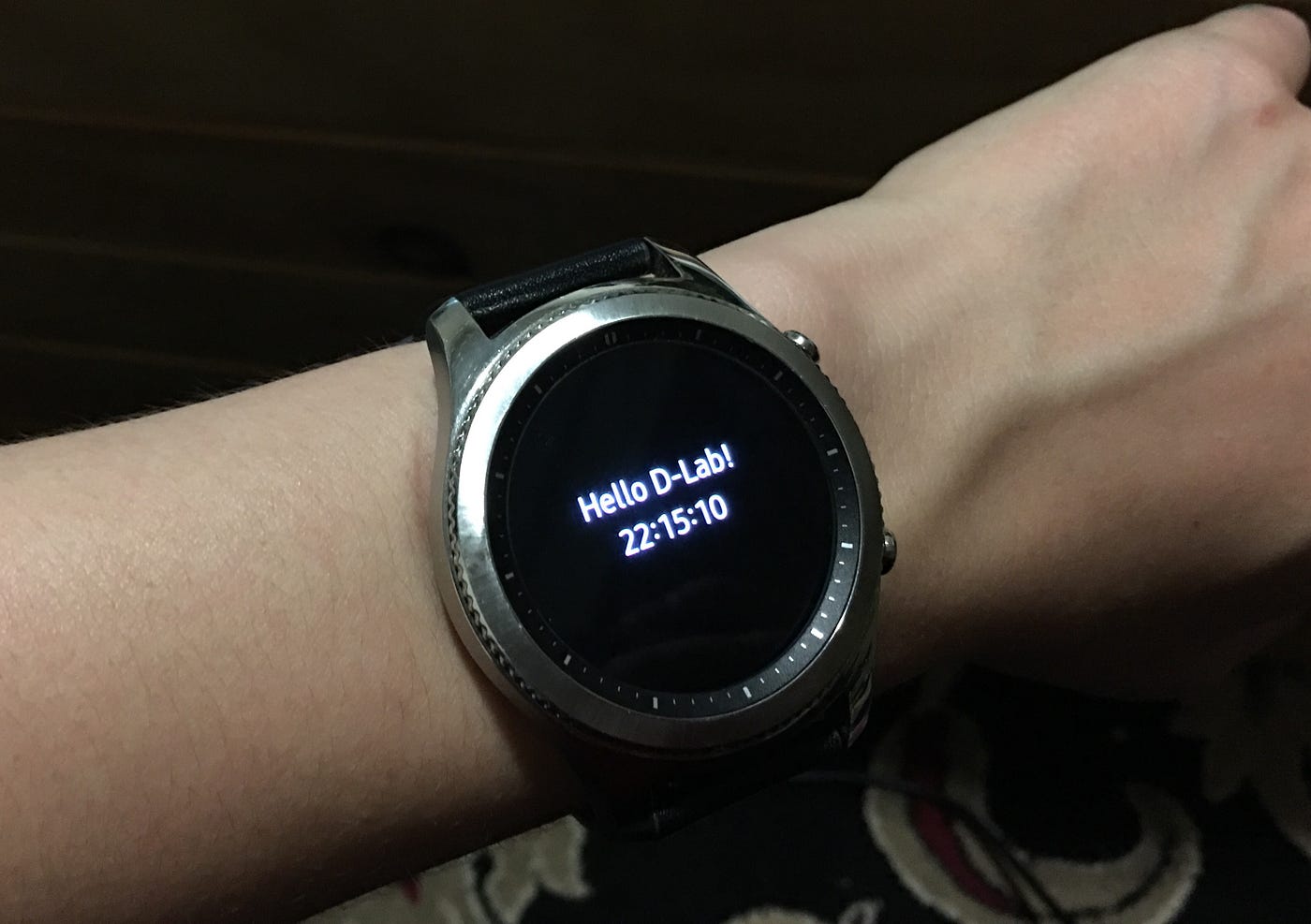
Credit: www.on.com.py

Credit: upgrademystatus.com
Frequently Asked Questions
Does The Gear S3 Track Sleep Patterns Accurately?
The Gear S3 tracks basic sleep duration and stages using motion sensors. However, its sleep analysis is less detailed than specialized devices. It provides insights on total sleep time but may lack precise data on sleep quality or cycles.
Can Gear S3 Monitor Sleep Without A Smartphone?
Yes, the Gear S3 can monitor your sleep independently. It stores sleep data on the watch and syncs with your smartphone later. This allows sleep tracking even when you don’t have your phone nearby.
How Do I Enable Sleep Tracking On Gear S3?
To enable sleep tracking, open the Samsung Health app on your Gear S3. Select the sleep option and activate automatic sleep detection. Wear the watch comfortably overnight for accurate sleep data.
Does Gear S3 Provide Sleep Quality Reports?
The Gear S3 offers basic sleep quality reports including total sleep time and light or deep sleep phases. It does not provide advanced metrics like REM sleep or sleep apnea detection.
Conclusion
The Gear S3 offers basic sleep tracking features. It records your sleep duration and quality. The data helps you understand your sleep patterns. It may not be as detailed as some newer devices. Still, it provides useful insights for better rest.
Using the Gear S3 can support healthier sleep habits. Remember, good sleep improves overall health and mood. Consider your needs before choosing a sleep tracker. The Gear S3 suits those wanting simple, easy sleep data. Simple, clear, and helpful—just what many users need.

