Imagine losing all your important files and not having a backup ready. It’s a nightmare no one wants to face.
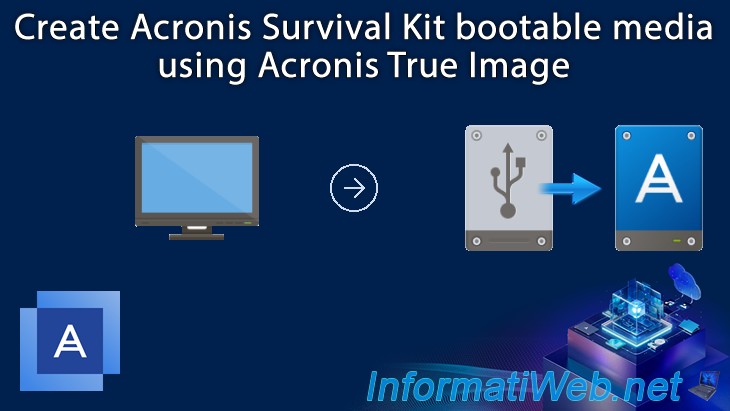
That’s where the Acronis Survival Kit comes in. It’s your safety net, designed to keep your data secure and easy to restore when things go wrong. In this guide, you’ll learn step-by-step how to create your own Acronis Survival Kit.
By the end, you’ll have a reliable plan to protect what matters most—giving you peace of mind and control over your digital life. Keep reading, because your data’s safety depends on what you do next.
What Is The Acronis Survival Kit
The Acronis Survival Kit is a ready-to-use backup solution. It bundles everything needed to restore your system after failure. This kit helps protect your data and operating system quickly and easily. It is ideal for people who want a simple recovery plan.
The kit contains an external drive with all backup files. It also includes the Acronis bootable media for system recovery. This combination ensures you can recover your computer even if it won’t start normally.
What Does The Acronis Survival Kit Include?
- Acronis bootable media for starting your PC
- Full system backup stored on an external drive
- All necessary files for recovery in one place
- Easy-to-use interface for quick restoration
Why Use The Acronis Survival Kit?
It saves time during emergencies. No need to create recovery media separately. Everything is pre-made and updated automatically. It reduces the risk of losing important data. You get peace of mind knowing your backup is ready.
Who Should Have An Acronis Survival Kit?
- Home users who want simple backup solutions
- Small business owners needing quick recovery
- Anyone concerned about data loss or system failure
- Users without technical skills for manual recovery
Credit: us.informatiweb.net
Essential Components Needed
Creating an Acronis Survival Kit needs a few key parts. These parts help keep your data safe and make recovery fast. Each piece plays a role in protecting your system. Knowing what you need is the first step to a solid backup plan.
The kit combines hardware and software elements. These work together to secure your files and system image. Every component must be reliable and easy to use. Let’s explore the essential parts to prepare your own survival kit.
External Hard Drive
An external hard drive stores your backup files. Choose one with enough space for all data. It should be fast to reduce backup time. USB 3.0 or higher is a good choice. Make sure the drive is compatible with your computer.
Acronis Backup Software
Acronis software creates and manages backups. It copies your system and files to the external drive. The software offers tools to schedule backups automatically. It also supports recovery if data gets lost or damaged.
Bootable Media
Bootable media helps start your computer during recovery. This can be a USB flash drive or a CD/DVD. It loads Acronis tools without needing your main system. Prepare this media in advance to act fast in an emergency.
Recovery Environment
The recovery environment lets you restore data from backups. It includes tools to fix system problems. This environment runs from your bootable media. It gives access to all backup files on the external drive.
Proper Cables And Connectors
Good cables ensure fast, stable connections. Use USB or Thunderbolt cables matching your devices. Avoid cheap or damaged cables that can cause errors. Keep spares handy to avoid delays during recovery.
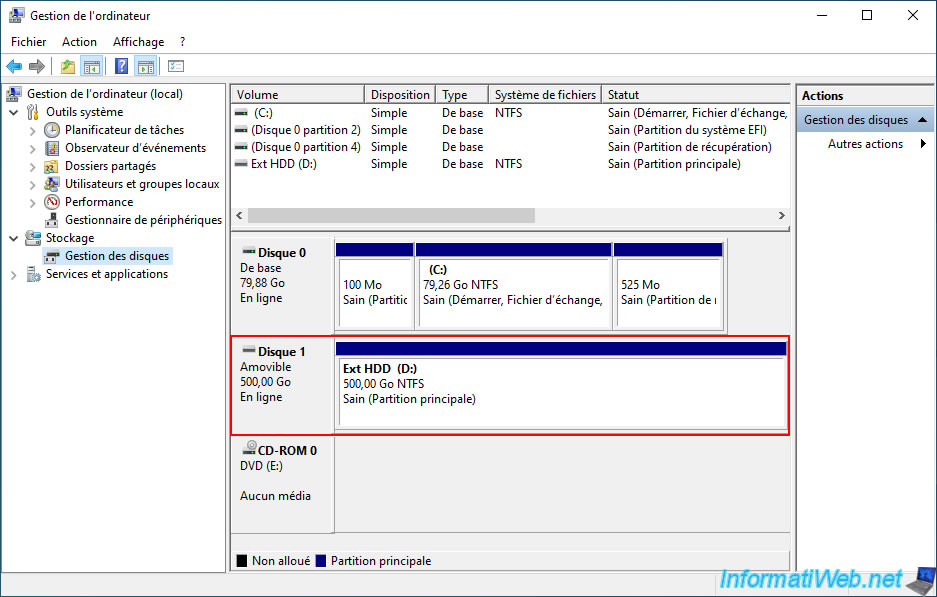
Preparing Your External Drive
Preparing your external drive is a key step in creating the Acronis Survival Kit. This process ensures the drive works properly and stores your backup safely. Taking time to set up the drive right helps avoid errors during backup and recovery.
Focus on two main tasks: formatting the drive and checking its compatibility. Both are simple but important for smooth operation.
Formatting The Drive
Formatting clears old data and sets the file system for your backup. Use a file system supported by both your computer and Acronis software. Common choices include NTFS for Windows or exFAT for cross-platform use.
Follow these tips:
- Back up any important files before formatting.
- Choose quick format for faster setup.
- Ensure the drive has enough free space for the entire backup.
Checking Drive Compatibility
Not all external drives work well with Acronis Survival Kit. Check the drive’s capacity and connection type.
- Use a USB 3.0 or higher port for faster data transfer.
- Make sure the drive supports the size of your backup.
- Confirm the drive is reliable and in good condition.
- Avoid drives with known errors or physical damage.
Preparing your external drive carefully leads to a smooth backup process. It protects your data and saves time during recovery.
Installing Acronis Software
Installing Acronis software is essential for creating the Acronis Survival Kit. This software helps protect your data by backing it up efficiently. The installation process is simple and quick. Follow the steps carefully to get the software ready on your device.
Downloading The Latest Version
Start by visiting the official Acronis website. Look for the latest version of the software that matches your operating system. Click the download button to save the installer file on your computer.
Ensure your internet connection is stable. The file size may vary, so allow some time for the download to complete. Avoid interruptions during this process.
Setting Up The Application
Locate the downloaded installer file on your computer. Double-click it to begin the setup process. A setup wizard will guide you through the installation steps.
- Accept the license agreement to proceed.
- Choose the installation folder or keep the default location.
- Select any additional components if prompted.
- Click “Install” to start copying files.
Wait for the installation to finish. Once done, launch the Acronis software. You may need to restart your computer to complete the setup.
Creating The Survival Kit
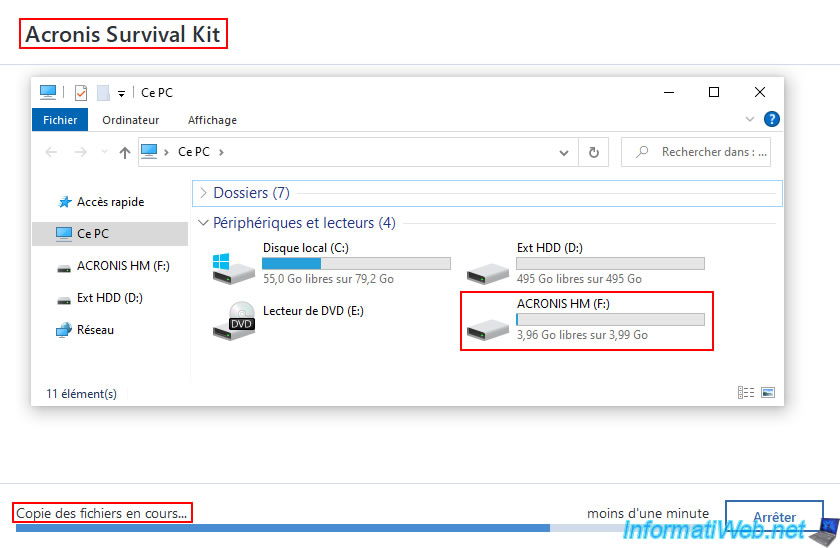
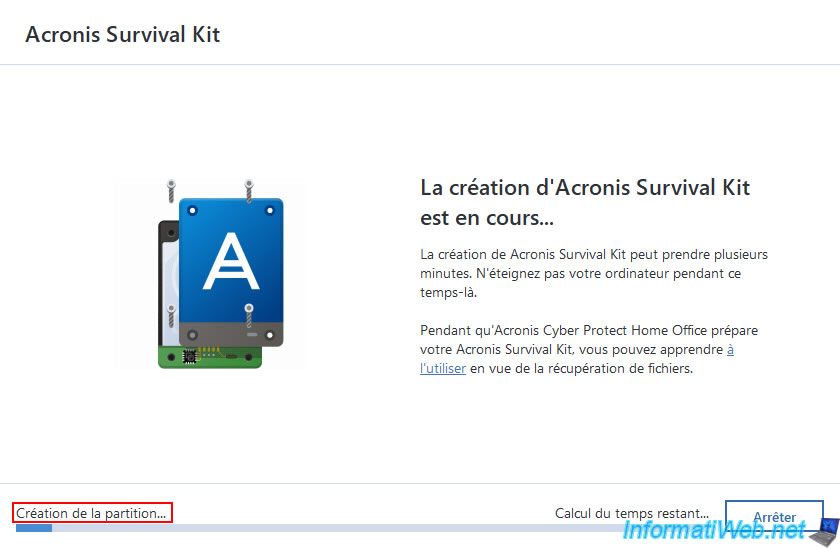
Creating the Acronis Survival Kit is a vital step to protect your data and system. It combines backups and bootable media into one convenient package. This ensures quick recovery during system failures or crashes.
Start by choosing the right backup options. Then, add bootable media for system restoration. Finally, save essential system files to complete your kit.
Selecting Backup Options
Pick the backup types that match your needs. You can choose full, incremental, or differential backups. Full backups copy everything, while incremental and differential save only changes. This saves space and time.
Select the destination for your backup. External drives or network storage work well. Confirm enough space is available for your data.
Adding Bootable Media
Create bootable media to start your computer during a failure. Use a USB drive or CD/DVD. The bootable media lets you access recovery tools easily.
Follow Acronis software prompts to build the bootable device. Test it by restarting your system and booting from the media. This step confirms it works correctly.
Saving System Files
Include system files in your survival kit. These files help restore your operating system settings. Save important drivers and configuration files.
Use Acronis tools to capture these system components. Store them with your backups and bootable media. This ensures a smooth and fast system recovery.
Testing Your Survival Kit
Testing your Acronis Survival Kit ensures your backup works when you need it most. It confirms the kit boots correctly and the backup files are intact. This step prevents surprises during a real recovery situation. Regular testing keeps your data protection reliable and ready.
Booting From The Kit
Start by restarting your computer with the Survival Kit device plugged in. Access your BIOS or boot menu to select the external drive. The system should boot from the Survival Kit, showing the Acronis recovery environment. If the kit fails to boot, check the device connection or rebuild the kit. Successful booting confirms the kit is ready for disaster recovery.
Verifying Backup Integrity
Once booted, open the Acronis recovery tool and locate the backup files. Use the built-in verification feature to check the backup’s health. This process scans for corruption or missing data. A verified backup means your files are safe and can be restored fully. If verification fails, recreate the backup to avoid data loss.
Tips For Maintaining The Kit
Maintaining the Acronis Survival Kit is key to ensuring your data stays safe and accessible. A well-kept kit helps avoid surprises during emergencies. Regular care keeps backups current and ready for use.
Regular Updates
Keep your Survival Kit updated with the latest backups. Set a schedule to refresh the backup files often. This ensures new data and changes get saved. Outdated backups can miss critical information.
Verify backup completion each time. Confirm no errors occurred during the process. Use Acronis software alerts to monitor backup health. Updated backups provide a reliable restore point.
Safe Storage Practices
Store your Survival Kit in a dry, cool place. Avoid exposure to extreme temperatures or moisture. Use a protective case to prevent physical damage. Keep the kit away from direct sunlight and dust.
Consider storing a copy offsite. This protects against theft, fire, or local disasters. Label the storage container clearly for easy identification. Safe storage extends the life and reliability of your kit.
Credit: us.informatiweb.net
Credit: us.informatiweb.net
Frequently Asked Questions
What Is An Acronis Survival Kit?
An Acronis Survival Kit is a backup tool that contains your system image and recovery software. It helps restore your system quickly after a failure or crash, ensuring data safety and minimizing downtime.
How Do I Create An Acronis Survival Kit?
To create an Acronis Survival Kit, open Acronis True Image, connect an external drive, and follow the wizard to copy your system image and recovery tools. This prepares a bootable device for quick system recovery.
Why Use An Acronis Survival Kit For Backups?
Using an Acronis Survival Kit simplifies disaster recovery by storing your backup and recovery tools in one place. It ensures fast, reliable access to restore your system after hardware or software failure.
Can I Update The Acronis Survival Kit Regularly?
Yes, you should regularly update the Acronis Survival Kit to include the latest backups. Regular updates ensure you have the most recent system image and recovery files for effective restoration.
Conclusion
Creating the Acronis Survival Kit is simple and crucial. It ensures your data remains safe. Follow each step carefully to build your kit. Regularly update it for new files and programs. This habit protects against unexpected data loss. A well-prepared kit gives peace of mind.
Feel secure knowing your data is backed up. No need to worry about losing important information. Start today and protect your digital life. Your future self will thank you. Stay prepared, stay safe.